


Xiaomi Curved Gaming Monitor G34WQi 2026
VAT included.
Delivery time: 1-2 months
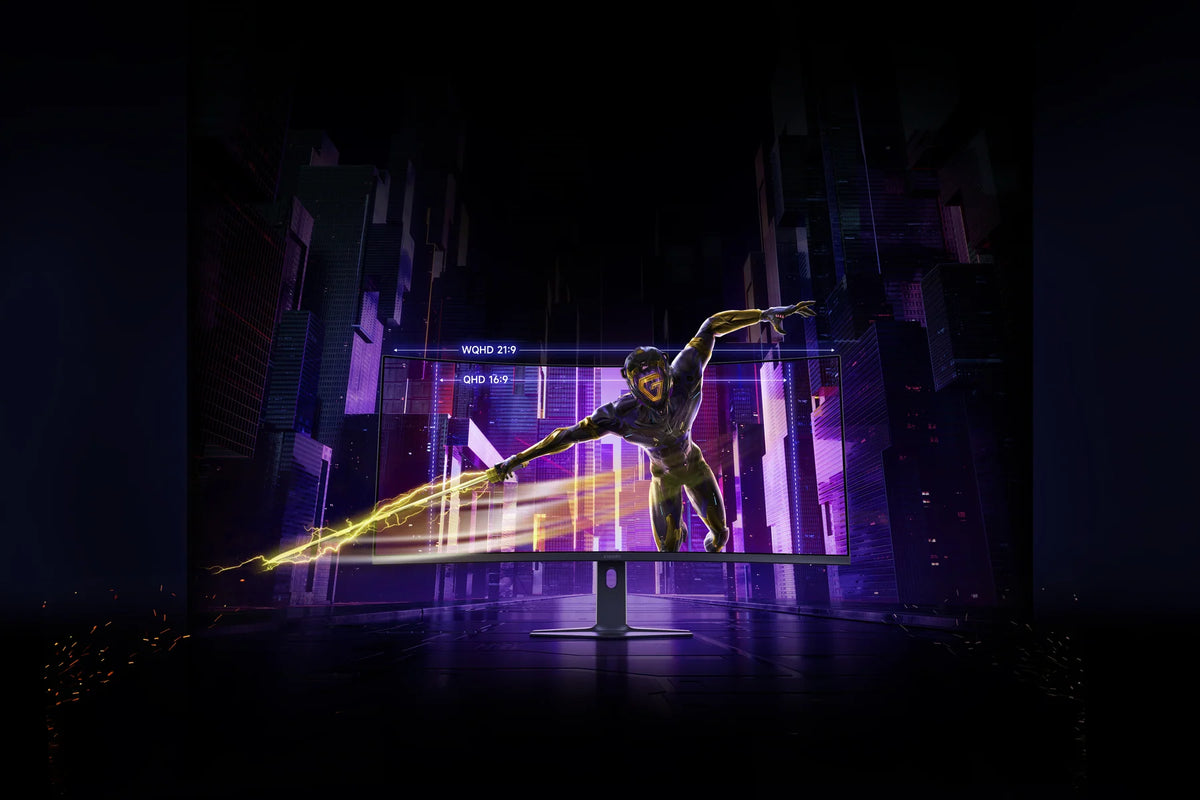
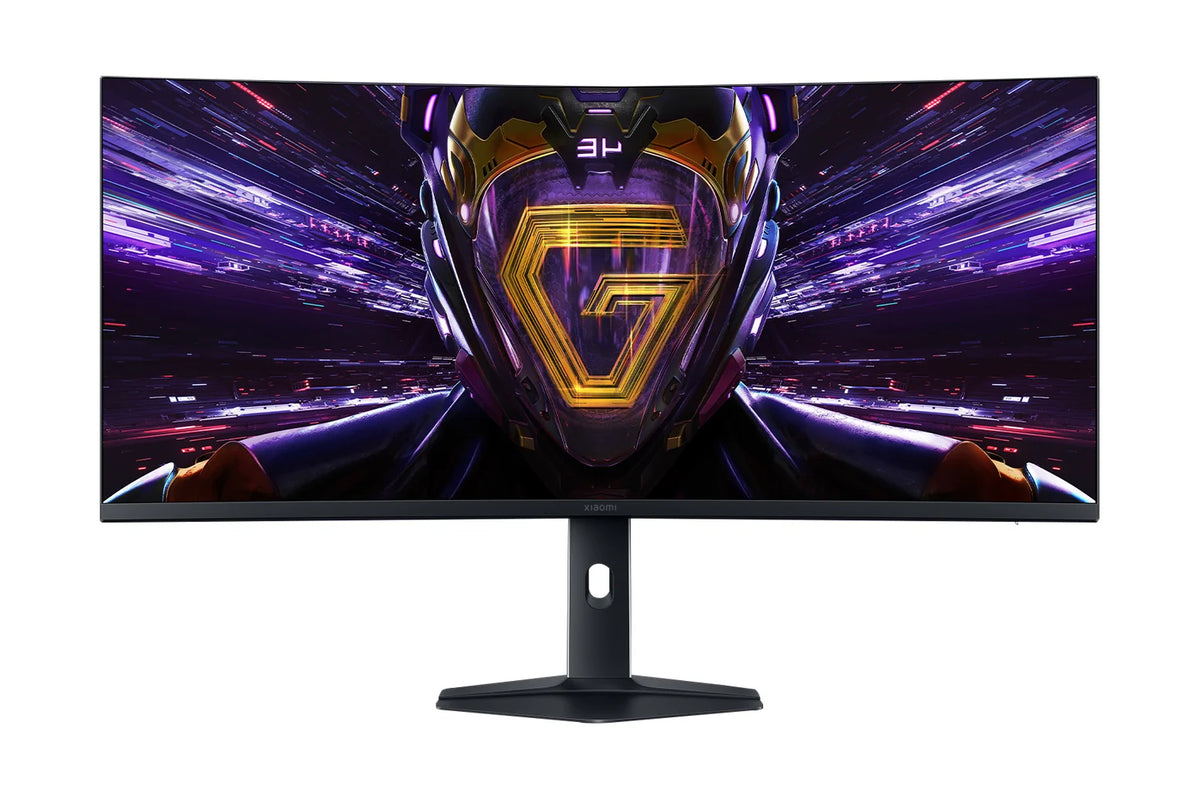
On an ultrawide, you can see the apex of the next corner before you even steer into it. The Xiaomi Curved Gaming Monitor G34WQi 2026 is exactly that kind of screen: 34 inches in 21:9 format, with a 1500R curve that wraps the image around you. Inside, the VA panel draws 3440 x 1440 pixels up to 180 times per second, with a contrast that flat IPS screens simply can't match.
Your payment details are processed securely. We do not store credit card information and have no access to this data.
Share This Product


Visuals that wrap around you
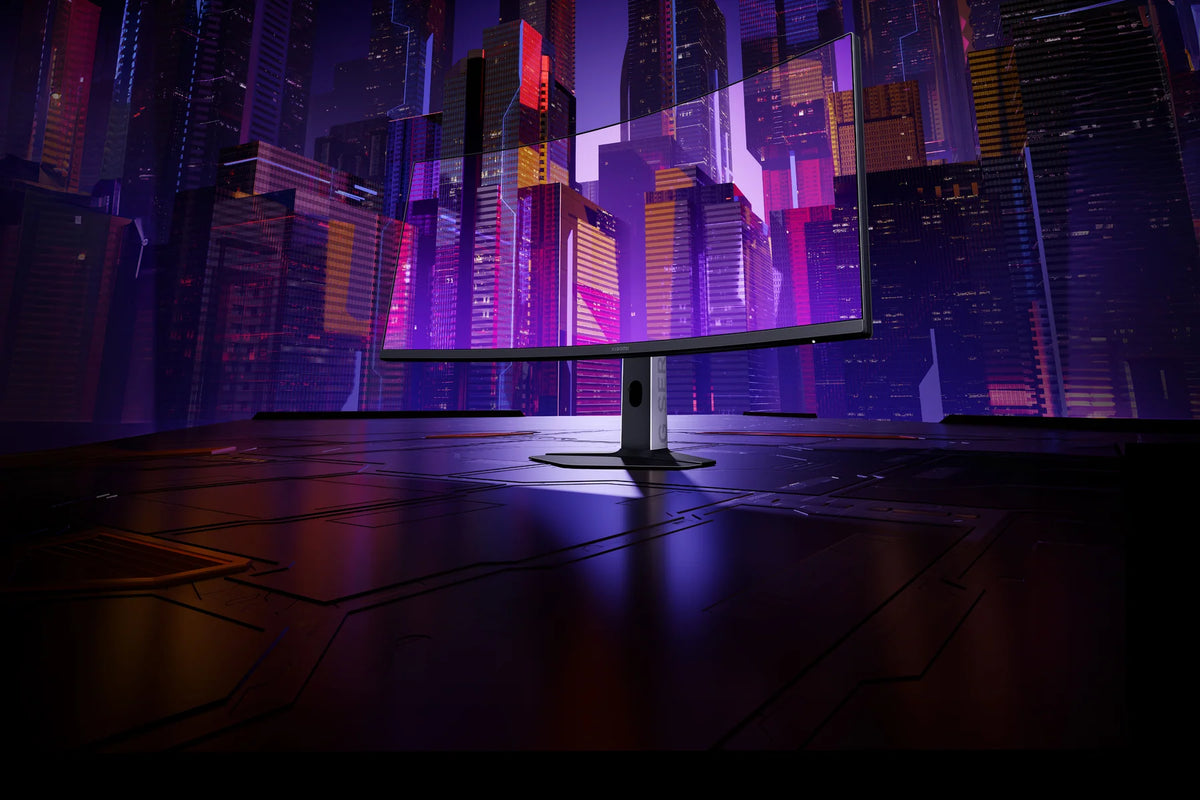
The 1500R curve keeps every corner of the screen at virtually the same distance from your eyes. That means the edges stay sharp in your field of view too, without you having to turn your head.
In racing games and flight simulations, the 21:9 image fills the corners of your eyes. You'll spot an opponent next to you sooner, and the apex of the next corner is already in view before you steer into it.
Beyond gaming, that same width is simply extra workspace. Two full-size windows fit side by side, without a second monitor. The 1.6 mm bezels make the image almost borderless.
Contrast is something VA is good at
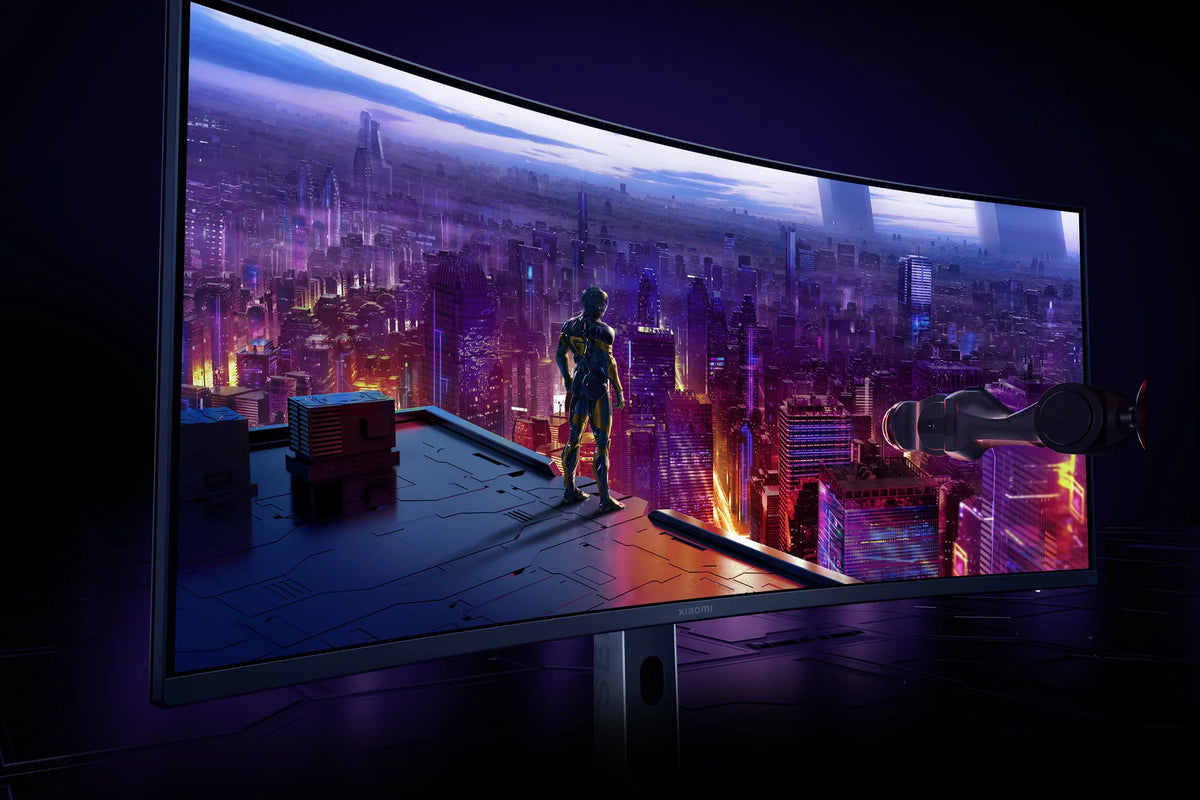
The VA panel delivers a 3500:1 contrast ratio. That's more than three times deeper than an average IPS screen, so night scenes and movie shots show true black instead of dark grey.
With HDR400, a peak brightness of 400 nits and over a billion colours via 10-bit display, even a sunset stays packed with detail. Bright lights don't blow out and shadows don't crush.
The panel covers 95% of DCI-P3, and every unit leaves the factory calibrated to a colour deviation below Delta E 2. By default, the screen is set to calibrated sRGB mode.
180 Hz at WQHD sharpness
The screen refreshes up to 180 times per second. The 1 ms GtG response time, measured in Xiaomi's own tests, keeps fast motion sharp and free of ghosting.
A resolution of 3440 x 1440 puts less strain on your graphics card than a 4K panel. That makes high framerates achievable even with a mid-range card, so those 180 Hz aren't just a number on paper.
FreeSync Premium prevents tearing when the framerate fluctuates. On this monitor that works via DisplayPort, and the 1.5-metre DP 1.4 cable that can handle the full 180 Hz is included in the box.
How does the Xiaomi Curved Gaming Monitor G34WQi 2026 compare?
Five gaming displays from the 2026 G series, all with a 1 ms response time. The G24i, G25i and G27i are flat Full HD displays for high frame rates, while the G27Qi delivers QHD on 27 inches. The G34WQi is the curved ultrawide, with 34 inches in 21:9 and a VA panel.
|
Xiaomi G34WQi 2026 |
|||||
|
23.8 inch Fast IPS |
24.5 inch Fast IPS |
27-inch Fast IPS |
27-inch Fast IPS |
34 inch VA, 1500R curved |
|
|
1920 x 1080 (Full HD) |
1920 x 1080 (Full HD) |
1920 x 1080 (Full HD) |
2560 x 1440 (QHD) |
3440 x 1440 (WQHD, 21:9) |
|
|
About 93 pixels per inch |
Around 90 pixels per inch |
Around 82 pixels per inch |
About 109 pixels per inch |
Around 110 pixels per inch |
|
|
Up to 200 Hz |
Up to 240 Hz |
Up to 200 Hz |
Up to 200 Hz |
Up to 180 Hz |
|
|
1 ms GtG |
1 ms GtG |
1 ms GtG |
1 ms GtG |
1 ms GtG |
|
|
FreeSync Premium, G-Sync Compatible |
FreeSync Premium |
FreeSync Premium, G-Sync Compatible |
FreeSync Premium |
FreeSync Premium (via DisplayPort) |
|
|
16.7 million, 95% DCI-P3 |
16.7 million, 93% DCI-P3 |
16.7 million, 95% DCI-P3 |
1.07 billion, 95% DCI-P3 |
1.07 billion, 95% DCI-P3 |
|
|
400 nits, HDR 400 |
400 nits, DisplayHDR 400 |
400 nits, HDR 400 |
400 nits, HDR 400 |
400 nits, HDR 400 |
|
|
1x DisplayPort 1.4, 1x HDMI |
1x DisplayPort 1.4, 1x HDMI 2.0 |
1x DisplayPort 1.4, 1x HDMI 2.0 |
2x DisplayPort 1.4, 2x HDMI 2.0 |
2x DisplayPort 1.4, 2x HDMI 2.0 |
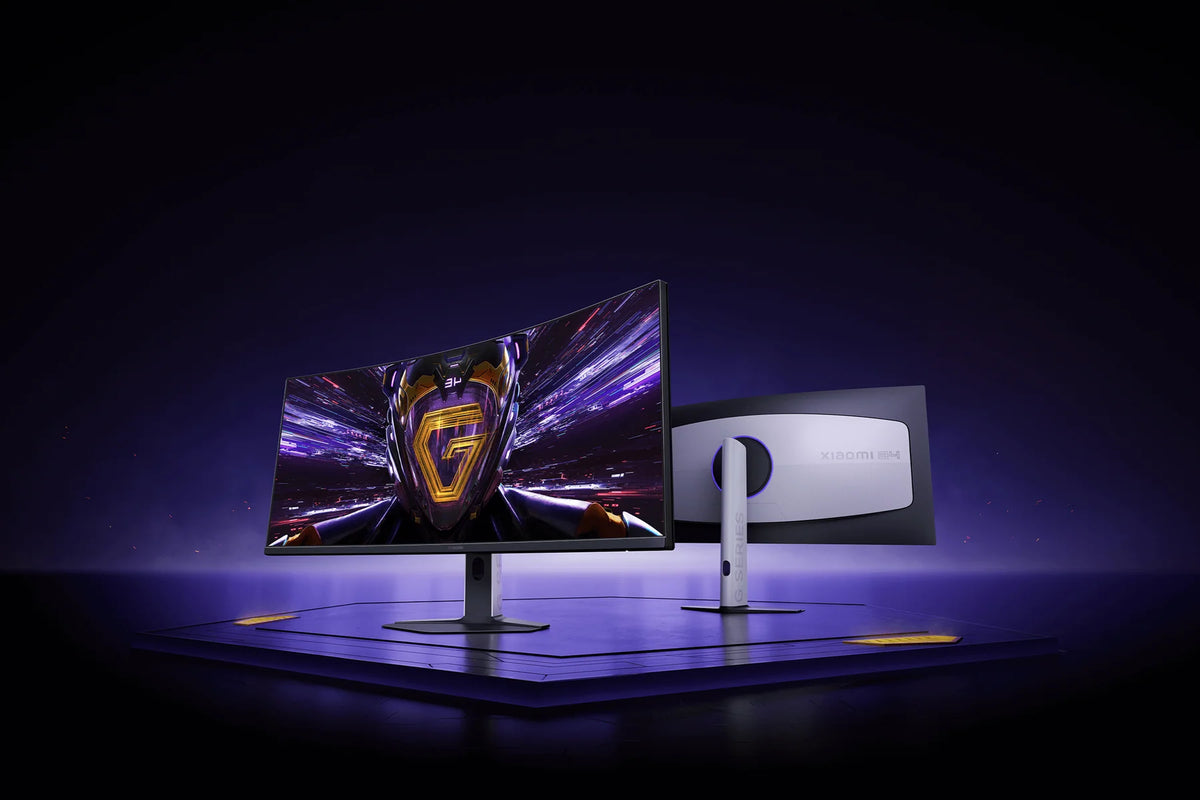
How the Xiaomi G34WQi 2026 fits on your desk
How to set up the Xiaomi G34WQi 2026
Foot on, cable in, and power up. Then run through these five steps just once. That way you'll get the full 180 Hz, HDR, and the right colors out of your screen.
Step 1: Use the DisplayPort cable
Step 1: Use the DisplayPort cable
Connect the display using the included DisplayPort 1.4 cable to your graphics card, not to the motherboard. FreeSync Premium works on this monitor via DisplayPort.
Step 2: set the refresh rate to 180 Hz
Step 2: set the refresh rate to 180 Hz
Windows often sets a new screen to a lower rate. Open the display settings, go to the advanced settings and manually select 180 Hz for the refresh rate.
Step 3: turn on FreeSync
Step 3: turn on FreeSync
First turn on FreeSync in the display's menu, and then in your graphics card's software. This way your display syncs with your framerate and tearing disappears.
Step 4: turn on HDR in two places
Step 4: turn on HDR in two places
For HDR, enable the mode in the OSD menu and in your computer's system settings. You control the menu with the joystick on the back.
Step 5: choose your color space
Step 5: choose your color space
The screen is set to the calibrated sRGB mode by default. You enable the wider DCI-P3 color gamut via OSD, Picture Mode, Color Space.
Service just as important as the product
We think service matters just as much as the product itself. Our customer service team knows every product inside and out and has tested them personally, so you always get honest, expert advice. We also run our warehouse entirely in-house.
Everything happens under our own roof. That way we keep a firm grip on quality and get your order to you quickly and carefully.
Order before 8:00 PM on a business day and if the product is in stock, you'll have it the next business day in the Netherlands and Belgium.
FAQ about the Xiaomi Curved Gaming Monitor G34WQi 2026
Everything you want to know before you order. Can't find your question here? Our customer service is happy to help you.
How to get 180 Hz on the Xiaomi G34WQi 2026?
How to get 180 Hz on the Xiaomi G34WQi 2026?
Use the included DisplayPort 1.4 cable and then set the refresh rate to 180 Hz manually in Windows. By default it's often set lower.
Does FreeSync on the Xiaomi G34WQi 2026 also work via HDMI?
Does FreeSync on the Xiaomi G34WQi 2026 also work via HDMI?
FreeSync Premium works on this monitor via DisplayPort. That's why you should use the included DisplayPort cable for your PC.
Is an HDMI cable included with the Xiaomi G34WQi 2026?
Is an HDMI cable included with the Xiaomi G34WQi 2026?
No, the box includes a 1.5-meter DisplayPort 1.4 cable. If you're connecting a console, plan on using your own HDMI cable.
Can you connect a PC and a console at the same time to the Xiaomi G34WQi 2026?
Can you connect a PC and a console at the same time to the Xiaomi G34WQi 2026?
Yes. The display has two DisplayPort 1.4 and two HDMI 2.0 connections, so your PC and your console can both stay plugged in.
What's the difference between the Xiaomi G34WQi 2026 and the G27Qi 2026?
What's the difference between the Xiaomi G34WQi 2026 and the G27Qi 2026?
The G34WQi is a curved 34-inch ultrawide with a VA panel, 3440 x 1440 pixels and 180 Hz. The Xiaomi G27Qi 2026 is a flat 27-inch QHD screen with a Fast IPS panel and 200 Hz. Choose the G34WQi for width and contrast, or the G27Qi for the highest refresh rate on 27 inches.
Can you adjust the height of the Xiaomi G34WQi 2026?
Can you adjust the height of the Xiaomi G34WQi 2026?
Yes. The stand adjusts 12 cm in height, swivels 35° to either side, and tilts from -5° to +21°.
Can you mount the Xiaomi G34WQi 2026 on a monitor arm?
Can you mount the Xiaomi G34WQi 2026 on a monitor arm?
Yes, with the 100 x 100 mm VESA mount. The bracket is not included in the box and is available separately.
Does the Xiaomi G34WQi 2026 have built-in speakers?
Does the Xiaomi G34WQi 2026 have built-in speakers?
No. Use the 3.5 mm output to connect a headset or speakers directly to the screen.
Why choose TechPunt?

Free shipping
All orders over €75 are delivered to your home at no extra cost.

Easy Returns
Enjoy the freedom of worry-free shopping thanks to our simple return policy.

Expert Advice
Our team tests every product themselves, so you always get honest and independent advice.


